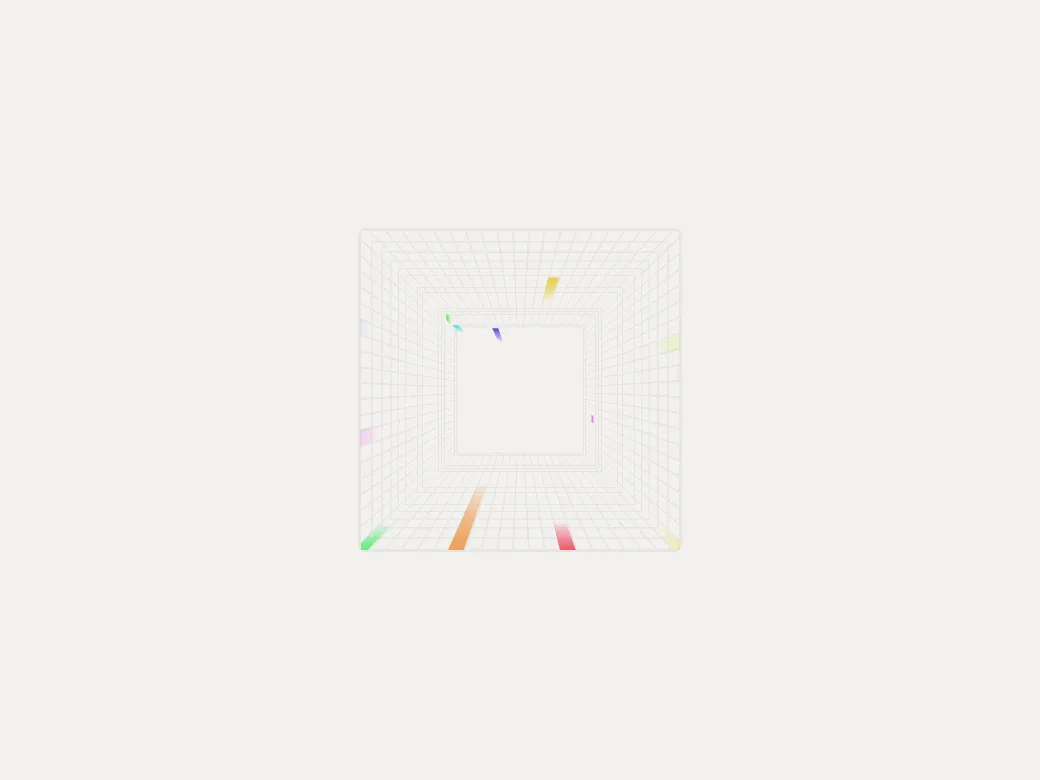
aceternity/background-beams-with-collision
Installs, but has a TypeScript error. Production builds (next build) stop on type errors until this line is fixed. Checked Oct 14 in a clean Next 16.4.0 · React 19 · Tailwind 4 project.
src/components/ui/background-beams-with-collision.tsx(82,11): error TS2322: Type 'RefObject<HTMLDivElement | null>' is not assignable to type 'RefObject<HTMLDivElement>'.npx get-ui-cli add aceternity/background-beams-with-collisionInstalls every file, sub-component, npm dependency and CSS variable, with imports rewritten to your project’s aliases.
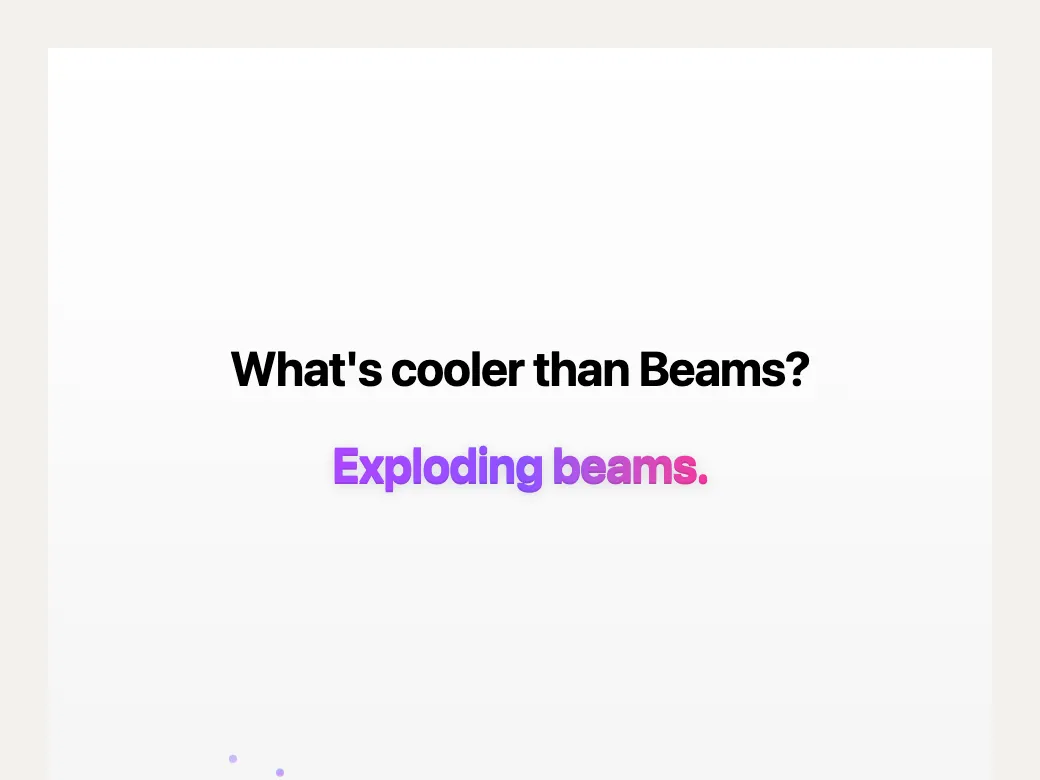
Add the "Background Beams With Collision" component (aceternity/background-beams-with-collision, from Aceternity UI) to this project.

1. Run: npx get-ui-cli add aceternity/background-beams-with-collision --yes
2. Read the "Use it" snippet it prints, then import the component and render it where it fits.
3. Don't rewrite the installed file. Adapt it through its props and className, so `npx get-ui-cli update` can still merge upstream fixes.
4. Run: npx get-ui-cli doctor, and fix anything it reports.

 Aceternity UI